Hospitality · 8 min read
Menu design that sells: 9 practical tips
Nine decisions that make a menu easier to read, more appetising and more profitable — without tricking anyone.
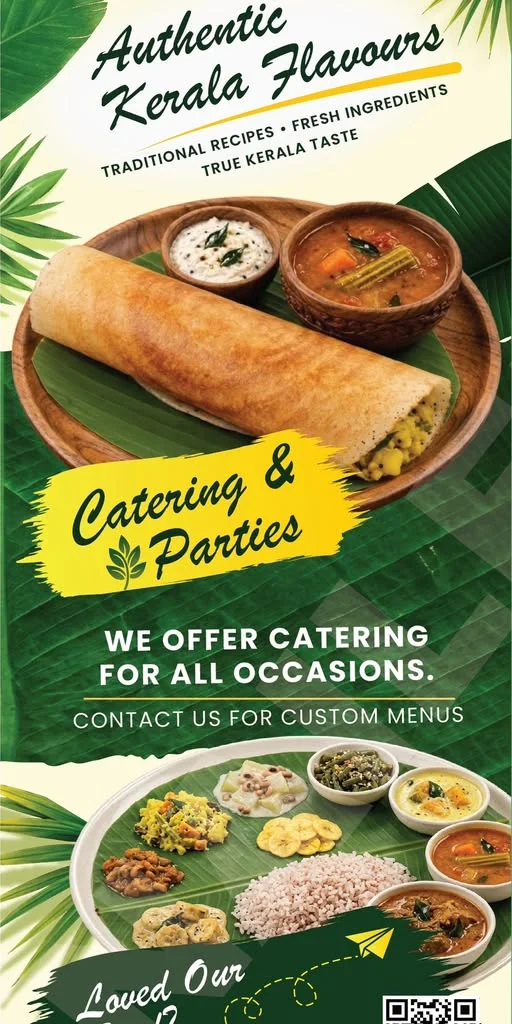
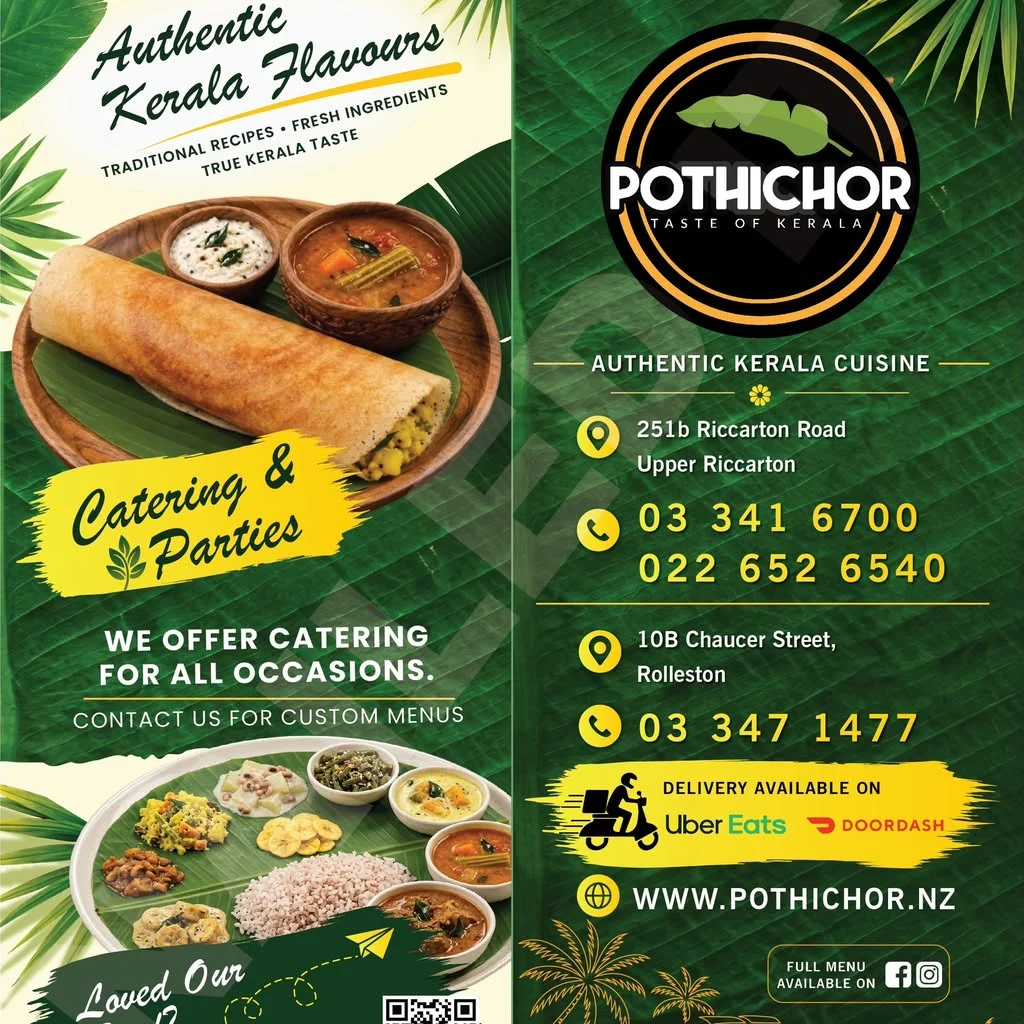
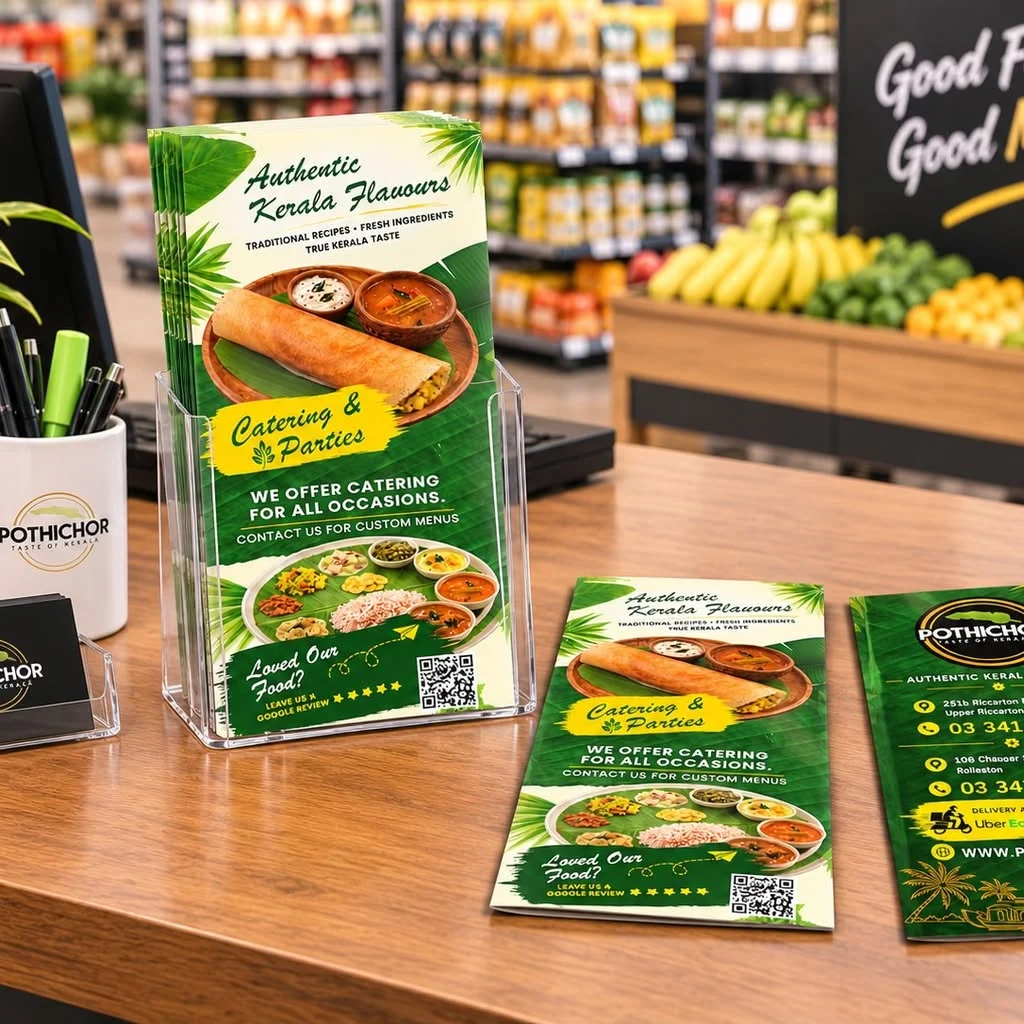
A good menu makes the ordering decision easier. Lead with structure, keep prices easy to find, use photography selectively, write specific descriptions and design for the light and format the menu will actually be used in. At Nailed It Graphics, menu design starts at $75.
A menu is part of the service, not just a list of products. It sets expectations, directs attention and can make a busy service feel smoother. These are the decisions we work through on every hospitality menu project.
1. Decide what the menu is for
A dine-in menu, a takeaway menu, a drinks list, a cabinet label and a QR menu have different jobs. Decide which one you are designing before you lay out a single dish. Trying to make one menu do everything usually makes it worse at all of them.
2. Build a clear hierarchy
Guests scan for a category first, then a dish, then a price. Make the categories obvious, keep the sections visually separate, and give the dishes you want to sell more space or a stronger position. Do not make every item shout at the same volume.
3. Keep prices easy to find and compare
A price column that aligns makes the menu easier to scan and feels more honest. Tiny prices, hidden prices or prices that require mental arithmetic create friction. If you use a price format such as “$18 / $24”, explain what the two numbers mean.
4. Use photography selectively
A strong food image can sell a dish. A page of mismatched images can make the whole menu feel cheap. Choose a small number of hero dishes, use consistent lighting and cropping, and let typography do the rest. If your photos are not good enough, do not use them just to fill space.
5. Write descriptions that do work
“Delicious” tells the guest nothing. “Slow-cooked beef, black pepper, curry leaf and coconut” tells them what they are ordering. Keep descriptions specific and honest, flag allergens clearly, and avoid two paragraphs for a side dish.
6. Design for the room, not the screen
A menu read in dim light needs more contrast, larger type and fewer tricks than one viewed on a bright monitor. Consider the paper stock, the size, whether it will be handled or wiped, and whether the venue has a display board or a table menu.
7. Plan print specifications early
Bleed, safe margins, folds, binding and paper weight affect the design. A tri-fold menu has panels of different widths; a laminated menu needs a different finish from a disposable one. Get the printer's specification before the layout is finalised.
8. Treat the QR menu as a real design
A PDF of an A3 menu is not a phone menu. Build a separate layout with larger type, short categories and a clear path to order or enquire. Test it on an actual phone, on the actual connection, in the actual venue.
9. Test it with real customers
Put the draft in front of a few people who have never seen it. Ask them to find a vegetarian dish, the cheapest item and the dish you most want to sell. If they hesitate, the menu is doing too much work.
Need a hand?
Menu design at Nailed It Graphics starts at $75. We work with your existing photography or help you plan what to shoot, and we can build a layout system for seasonal changes.
Common questions
How much does menu design cost?
Standard menu design starts at $75. Longer menus, multiple locations, large-format boards and digital versions are quoted separately based on the number of pages and the amount of content.
Can you design a menu if we don't have photos?
Yes. A typographic menu can be stronger than a menu full of weak photography. We can also recommend a photographer or work with images you already have.
Can you make the menu easy for us to update?
Yes. We can supply an editable template and a short guide so your team can update prices and seasonal items without rebuilding the layout.